


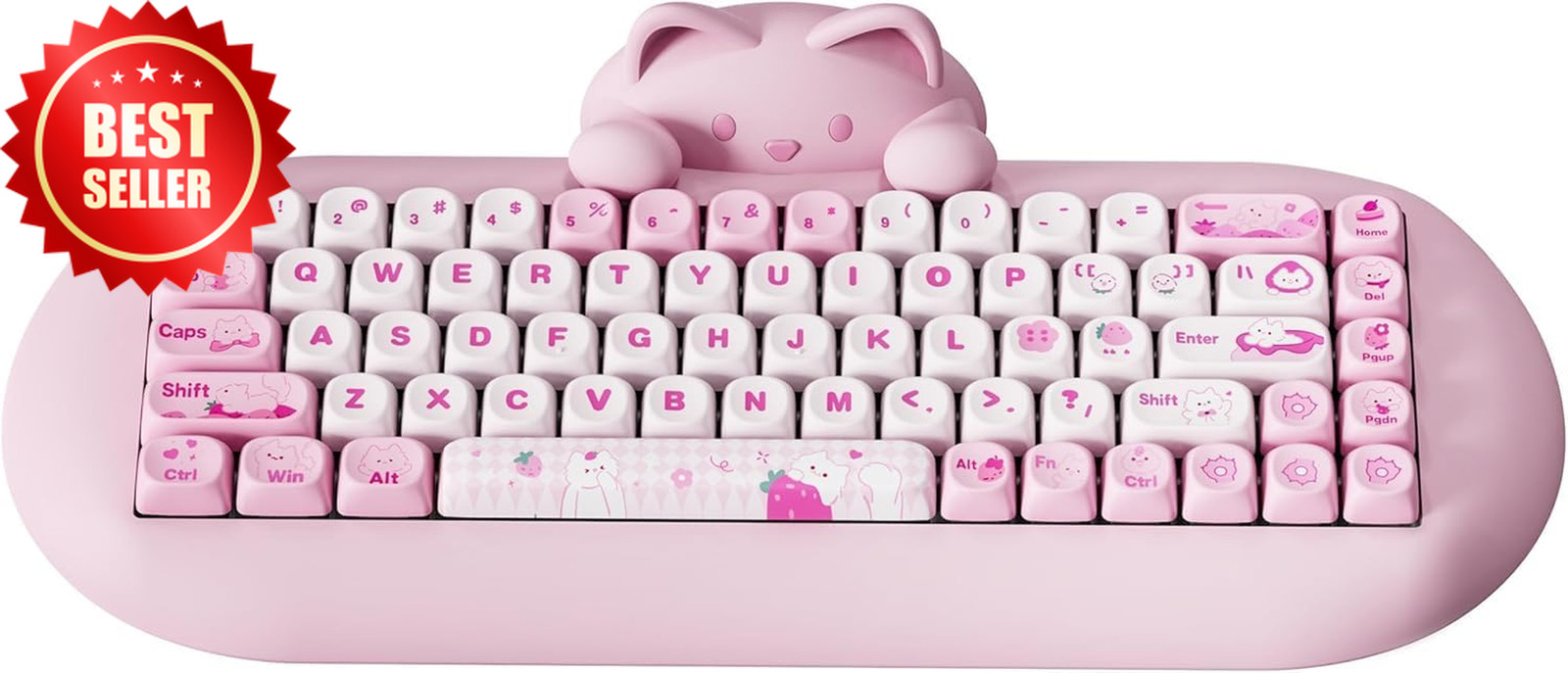
A stylish setup is only as good as the condition of the gear behind it. If you’ve invested in an aesthetic and functional keyboard, learning Cute Gaming Keyboard Maintenance Tips for Long-Lasting Use can help you keep it looking fresh and performing smoothly for years. Dust, spills, and daily wear can quickly reduce both the appearance and responsiveness of your keyboard, but with the right habits, you can easily avoid that.
Why Keyboard Maintenance Matters
A cute gaming keyboard is often more than just a tool—it’s part of your desk aesthetic. However, without proper care, even the most beautiful setup can start to look worn out. Keys may become sticky, RGB lighting can look dull due to dust buildup, and typing performance can suffer.
Following Cute Gaming Keyboard Maintenance Tips for Long-Lasting Use ensures your keyboard stays both visually appealing and functionally reliable, especially if you game or type for long hours every day.
Daily Habits for a Cleaner Keyboard
Small daily actions make a big difference over time. You don’t need to deep clean your keyboard every day, but these habits help prevent buildup:
- Wash or sanitize your hands before use
- Avoid eating directly over your keyboard
- Lightly dust the surface with a microfiber cloth
- Keep drinks away to prevent accidental spills
These simple steps reduce grime accumulation and protect the switches underneath the keycaps.
Deep Cleaning Your Cute Gaming Keyboard
One of the most important Cute Gaming Keyboard Maintenance Tips for Long-Lasting Use is performing a deep clean every few weeks or months, depending on usage.
Step-by-step cleaning process:
- Unplug your keyboard (or turn it off if wireless)
- Remove keycaps using a keycap puller
- Clean the keycaps with warm water and mild soap
- Use compressed air to remove dust between switches
- Wipe the base with a slightly damp microfiber cloth
- Let everything dry completely before reassembling
This process helps restore both appearance and performance, especially for mechanical keyboards.
Protecting Your Keyboard from Damage
Preventive care is just as important as cleaning. A few smart precautions can extend your keyboard’s lifespan significantly:
- Use a keyboard cover when not in use
- Keep liquids at a safe distance
- Avoid pressing keys too hard during gameplay
- Store your keyboard in a dust-free environment when traveling
These habits not only protect the internal components but also preserve the “cute” aesthetic of your setup.
Maintaining RGB and Aesthetic Appeal
Since many gaming keyboards rely on lighting effects for their charm, maintaining brightness and clarity is essential. Dust on keycaps or under lighting panels can reduce glow intensity.
To keep your setup visually appealing:
- Regularly wipe keycaps to prevent dullness
- Clean under translucent keycaps carefully
- Adjust RGB brightness to prevent overheating or excessive wear
- Keep software updated for lighting optimization
When done consistently, these steps enhance both performance and aesthetics.
Common Mistakes to Avoid
Even with good intentions, some habits can shorten your keyboard’s lifespan:
- Using harsh cleaning chemicals that damage keycaps
- Reassembling before everything is fully dry
- Ignoring small sticky keys until they worsen
- Overusing compressed air too close to switches
Avoiding these mistakes is a core part of applying Cute Gaming Keyboard Maintenance Tips for Long-Lasting Use effectively.
Final Thoughts
A cute gaming keyboard is both a style statement and a daily tool, so taking care of it should be part of your routine. With consistent cleaning, mindful usage, and proper protection, your keyboard can stay responsive and visually appealing for years.
